
Acrylic engraving streaks can reflect the scan process, the material, or surface residue. Do not assume that redrawing the artwork will remove them. Before changing power or redrawing the design, run two separate comparison tests: one that changes the sheet’s orientation while the machine scan direction stays fixed, and another that changes scan direction while the sheet stays fixed.
If the streak pattern follows the laser’s X/Y travel, investigate line interval, focus, scan strategy, optics, and machine motion. If it follows the acrylic sheet, material type, surface finish, protective film, or handling deserves attention. These results are conditional clues, not proof; use them to choose the next controlled check. Only test acrylic and protective layers verified as suitable for the exact laser and process. Stop before testing unidentified stock or film.
Preserve the Visible Evidence
Photograph the streaked engraving before touching it. Use a bright light held at a low angle across the surface; raking light makes shallow grooves, residue trails, and periodic bands easier to see than straight-on lighting. Then clean the piece only with a cleaning method approved by the supplier for that exact acrylic, coating, and finish. Photograph it again under the same lighting and compare the two images.
Loose residue can catch light along scan lines and imitate banding. Cleaning may therefore make the piece look better, or it may reveal shallow periodic grooves that residue had partially hidden. Do not use solvents, abrasives, or cleaning products that the material supplier has not approved for the specific acrylic, coating, mirror finish, paint, or adhesive.
Separate Sheet Direction From Scan Direction
Rotating a square or other symmetrical shape inside the artwork does not test the acrylic’s direction. The laser may still scan the shape in the same machine direction, so the test cannot distinguish a motion-related artifact from a material-related one. Make the comparison at the stock level instead.
First, mark the acrylic sheet so its original orientation is known. Engrave identical small fill coupons with the sheet in its normal position, then rotate the marked stock by 90 degrees while leaving the machine’s scan direction unchanged. If the visible bands stay aligned with the laser’s travel, scan behavior is the more useful branch to investigate. If the bands rotate with the sheet, the acrylic’s direction, surface, coating, or handling becomes more relevant.
Second, keep the marked stock in the same orientation and change the scan direction by 90 degrees in the laser software. If the streak pattern follows the new scan direction, that supports a motion- or scan-related explanation. If it remains aligned with the sheet, the material branch remains more useful.
Consider a hypothetical square fill with faint vertical bands. After the marked stock is rotated by a quarter turn, the bands still run in the same machine direction. That weakens a sheet-direction explanation alone, but it does not identify interval, optics or motion as the cause. A separate test with the stock fixed and scan direction changed can narrow the next check. Neither comparison proves a failed component or defective sheet.
Record extrusion direction, coating direction, or cast-sheet identification when the supplier provides it. In its CO2 acrylic-processing guidance, Trotec distinguishes the engraving appearances of cast and extruded acrylic. A finish obtained on one stock type is not automatically the right target for the other, and that guidance does not prove compatibility with a different laser type.
Test Interval One Variable at a Time
When the evidence points toward scan behavior, line interval is a useful first process variable to test deliberately. Change it in documented steps while holding speed, commanded power, focus, scan angle, airflow, and image-processing settings constant. Engrave a separate, labeled patch for each interval.
Judge each patch for gaps between scan lines, excessive overlap, heat ridges, and density at the edges—not simply for which patch appears darkest. A darker patch can reflect more deposited energy rather than a cleaner or more uniform fill.
Do not change interval and power together. If two variables move at once, the result cannot show which one improved or worsened the fill. Keep the best coupon, record its settings, and use it as the reference for the next comparison.
Check Scan Edges and Compatible Overscan
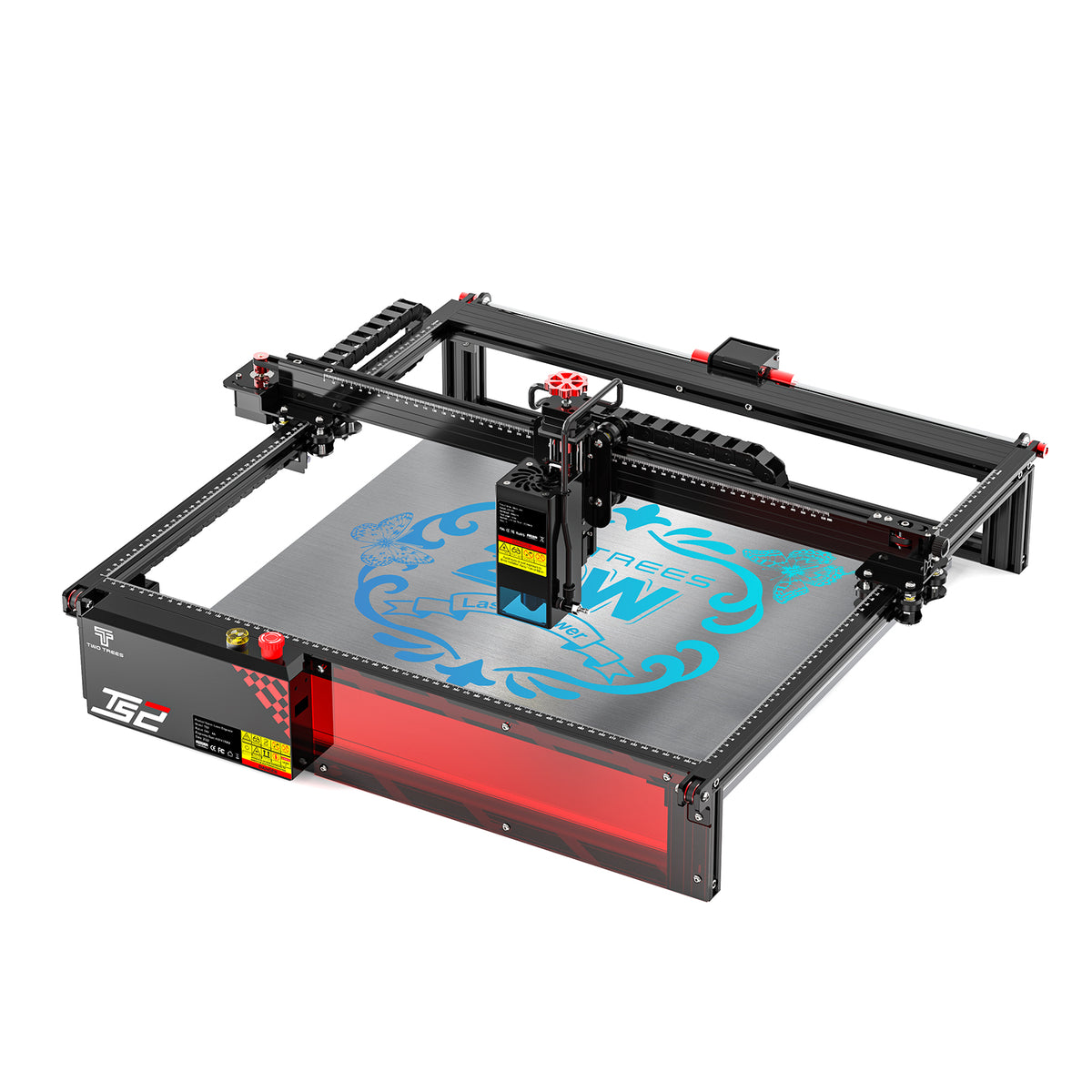
Raster fills are engraved line by line as the laser travels back and forth across the graphic. At the end of each line, the machine must decelerate, reverse, and accelerate again. If it is still engraving during that transition, the fill edges can receive more effective energy than the center.
Overscanning adds travel beyond the engraved boundary so the laser can reach its commanded speed before firing and slow down after it stops firing. In compatible gantry workflows, LightBurn describes overscan as automatic for DSP controllers and adjustable for GCode-based systems; galvo systems use a different motion approach. Do not assume a universal overscan percentage, and do not apply a GCode or DSP workflow recommendation to a galvo system.
Overscan can reduce darker or uneven edges, but it does not correct line-interval gaps, poor focus, residue, material direction, or mechanical inconsistency. Make sure the added travel remains within the machine’s usable work area; LightBurn warns that insufficient clearance can cause an out-of-bounds condition or controller alarm.
If streaks concentrate at the left and right edges of a fill, compare the center with the edges under raking light. A uniform center with darker or denser edges supports a scan-edge explanation. A pattern that persists across the full fill points instead toward interval, focus, material, or residue.
Recheck Focus, Optics, and Motion
A fill can show directional texture when the beam is not consistently focused across the engraving area. Check focus using the method specified for your exact machine, then engrave a fresh coupon rather than judging an old or contaminated sample. A change after focus adjustment suggests that focus deserves further attention; it is not proof that no other variable contributed.
Also check stable material support, unobstructed motion, normal exhaust performance, and optics maintained according to the manufacturer’s procedure. Trotec identifies regular lens cleaning as important to beam quality and repeatability, and identifies effective extraction as essential to process quality and safety in its CO2 acrylic workflow. Keep guards, interlocks, ventilation, and supervision in place; do not service optical components or make physical adjustments while the machine is energized.
If bands appear only in one region of the bed, repeat the same coupon in another location. With verified comparable stock and support, a position-dependent result warrants checking alignment, focus variation, motion, and workholding; it does not rule out material variation. Stop and investigate rather than continuing to change settings if the machine behaves abnormally, alarms, loses position, makes unusual noises, or produces smoke, fire, or melting beyond the expected process.
Compare Front and Reverse Construction
For clear acrylic processed in a CO2 workflow, engraving from the reverse side can move surface texture and residue to the non-viewing face. Trotec describes reverse-face engraving with mirrored artwork in its CO2 acrylic guidance.
This is a construction decision, not an automatic cure. Reverse engraving changes apparent tone and depth because the viewer looks through the material, and it requires correct mirroring. Compare finished objects—not loose engraved faces—under the intended lighting. If the reverse-engraved version hides the defect while preserving the desired appearance, it may be the better construction; if it introduces a new visible artifact, return to the front-engraved coupon and continue isolating the process variable.
Decide at the Intended Viewing Distance
Accept the setting at the distance and illumination the finished piece will actually be viewed. A backlit sign may tolerate fine scan texture that becomes invisible in use, while a front-lit award, retail display, or sign viewed across a room may make broad directional bands obvious.
Stop changing settings when the accepted coupon shows no visible directional banding at the intended viewing distance and lighting, and when the fill has no gaps, excessive overlap, or edge-density problem. Stop and recheck the setup if the material, protective film, coating, or adhesive cannot be identified; if the machine behaves abnormally; or if processing becomes unsafe. Do not continue changing power, speed, or interval simply because a defect persists—identify the branch first, then change one controlled variable at a time.
Questions About Changing the Fill
Should I convert a solid fill to vector outlines?
Not if the finished part needs a solid engraved area. An outline changes the requested result and can conceal a fill problem instead of solving it. Keep a plain filled test shape while isolating the cause, then return to the actual artwork.
What does a second pass not prove?
A second pass does not prove that the original settings were correct. It changes total deposited energy and can darken or blur the result, so it cannot isolate whether the first-pass streak came from interval, focus, scan direction, residue, or the acrylic itself.
Does equal color and thickness prove the acrylic sheets are identical?
No. Similar appearance does not establish the same polymer, manufacturing method, coating, surface treatment, or directional behavior. Use the supplier’s material identification and, when available, its stated extrusion or cast-sheet information before treating two sheets as interchangeable.


